One connected workspace
Move between Windows, macOS, and Linux with a shared keyboard, mouse, clipboard, files, and screens. Make the computers you already own feel like one setup.
 SysviaConference rooms
 SysviaAt the office
 SysviaLabs & machines
 SysviaCoffee shops
 SysviaIn flight
 SysviaHome setupsSysviaConference roomsSysviaAt the officeSysviaLabs & machinesSysviaCoffee shopsSysviaIn flightSysviaHome setupsSysviaConference roomsSysviaAt the officeSysviaLabs & machinesSysviaCoffee shopsSysviaIn flightSysviaHome setups

I built Sysvia because I was tired of switching between desktops, laptops, and operating systems without being able to use them together. I wanted to tackle different tasks across my systems while sharing the same setup and monitors.
At my desk, in a coffee shop, or while traveling, I wanted everything to feel connected — my mouse, keyboard, clipboard, files, and extended screens — without putting someone else’s cloud at the center.
I design, develop, and support Sysvia myself, so your feedback comes straight to me. I believe Sysvia can become an essential part of everyday work, and the community will help it get there. More people sharing their experiences, issues, and diagnostic logs helps us improve the app across far more setups than we can test ourselves.
We built Sysvia’s core infrastructure from the ground up. Having direct control over how it all works together lets us make deeper improvements, address issues at their source, and strengthen security as Sysvia grows.
These principles guide what we build, how we connect your computers, and which improvements come next.
Move between Windows, macOS, and Linux with a shared keyboard, mouse, clipboard, files, and screens. Make the computers you already own feel like one setup.
Your devices, your files, your setup. We prioritize direct connections and clear controls over what you share.
The problems you report and the ideas you share help guide what comes next. Improvements start with the setups people actually use.
Sysvia began with a familiar frustration: switching peripherals, carrying flash drives, and emailing files to yourself just to work across your own computers. The goal was simple: make those computers feel like one workspace.
Designed, developed, and supported by Levi Carpenter. Feedback goes straight to the person building Sysvia.
A desktop, a laptop, a USB switch, and flash drives. Moving between computers meant interrupting the work to manage the setup.
One keyboard and mouse across your computers, with a clipboard that follows. The computer in front of you should be the one you can work on.
Keep files moving between your own machines, with direct connections wherever possible. Sharing your work should take fewer steps.
Remote access takes the same idea further. The laptop in your bag can reach the computer you left at home when you need it.
Sysvia grows through everyday use and direct feedback. Each improvement brings the computers you already own closer to one connected workspace.
A desktop, a laptop, a USB switch, and flash drives. Moving between computers meant interrupting the work to manage the setup.
One keyboard and mouse across your computers, with a clipboard that follows. The computer in front of you should be the one you can work on.
Keep files moving between your own machines, with direct connections wherever possible. Sharing your work should take fewer steps.
Remote access takes the same idea further. The laptop in your bag can reach the computer you left at home when you need it.
Sysvia grows through everyday use and direct feedback. Each improvement brings the computers you already own closer to one connected workspace.
A desktop, a laptop, a USB switch, and flash drives. Moving between computers meant interrupting the work to manage the setup.
One keyboard and mouse across your computers, with a clipboard that follows. The computer in front of you should be the one you can work on.
Keep files moving between your own machines, with direct connections wherever possible. Sharing your work should take fewer steps.
Remote access takes the same idea further. The laptop in your bag can reach the computer you left at home when you need it.
Sysvia grows through everyday use and direct feedback. Each improvement brings the computers you already own closer to one connected workspace.
Your keyboard, mouse, clipboard, files, and screens. Connected wherever you work.
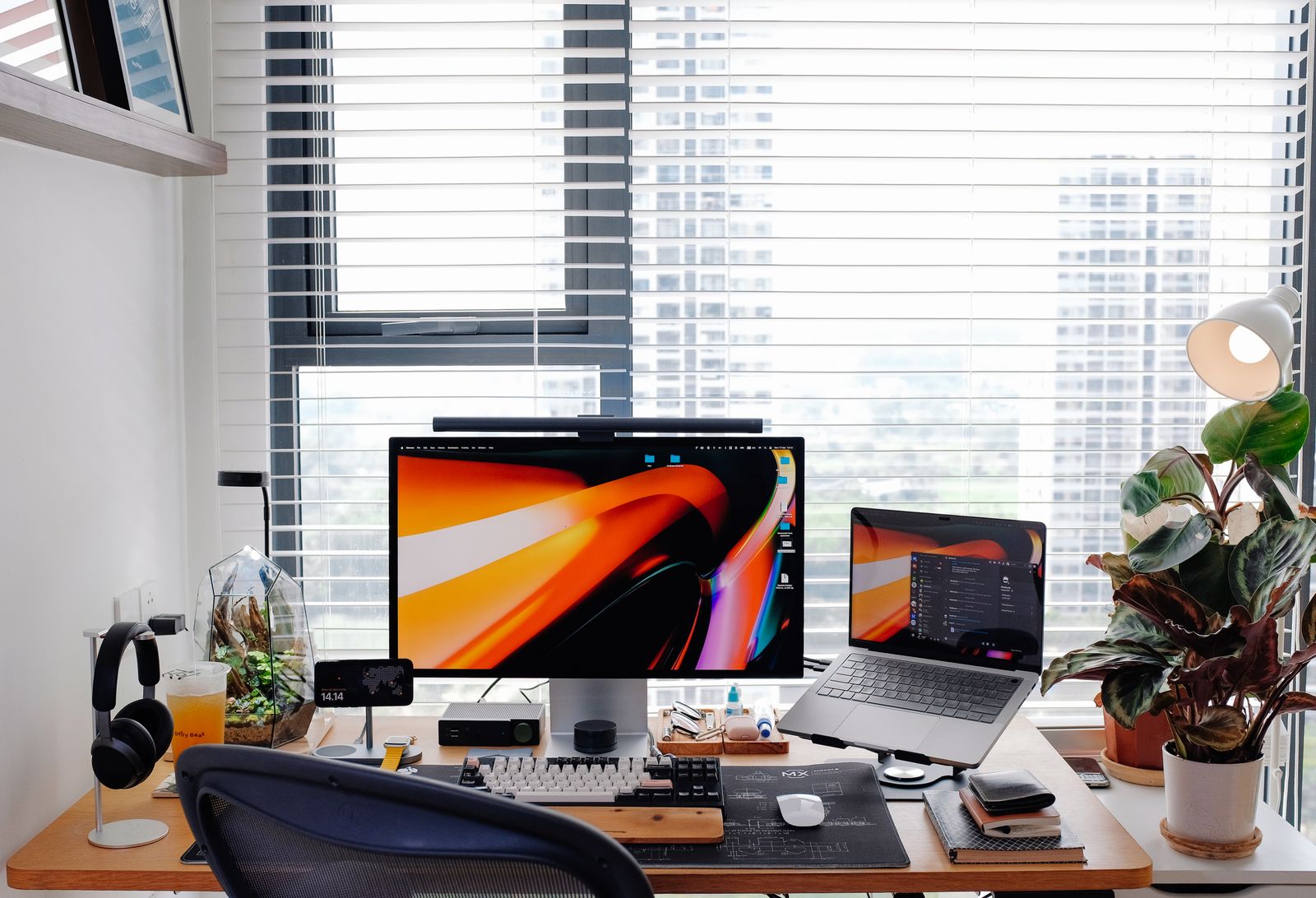
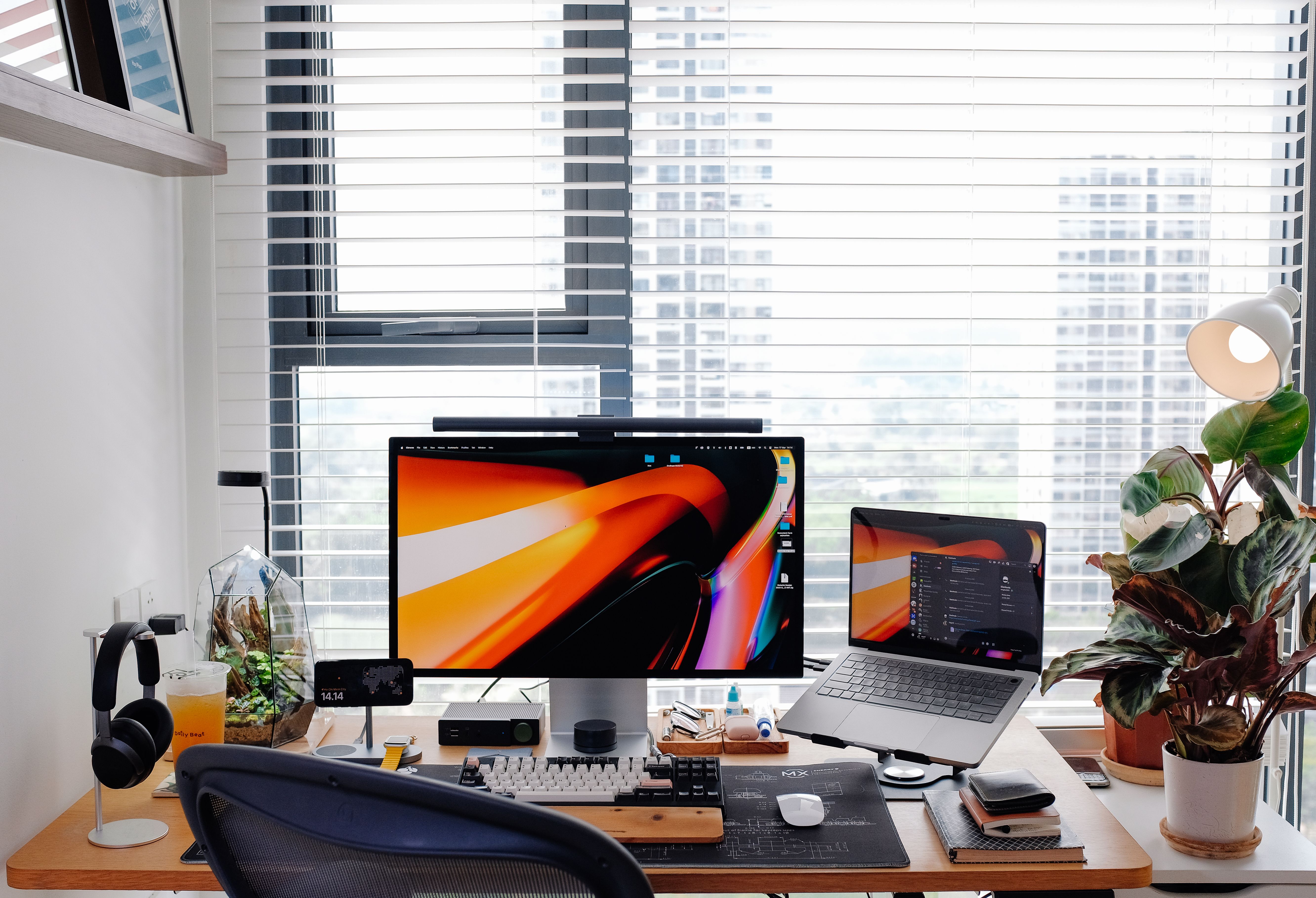

Move your pointer between Windows, macOS, and Linux, using the keyboard and mouse already on your desk.

Copy on one computer and paste on another. Keep the links and text you need moving with you.

Keep files moving between your machines and extend your display across them. Put the computers you own to work together.

Reach the computer you left at home from the laptop in your bag. Keep your workspace within reach while you are away.
Bring Windows, macOS, and Linux computers into one setup. Sysvia connects the machines you already own so your everyday tools can move between them.
Your PC, connected.
Your Mac, connected.
Your Linux machine, connected.
Share the essentials across your setup
Keyboard MouseClipboard
 FilesExtra screensRemote access
One-time licences for your workspace.
Different experiences. Honest conversations. A say in what comes next.

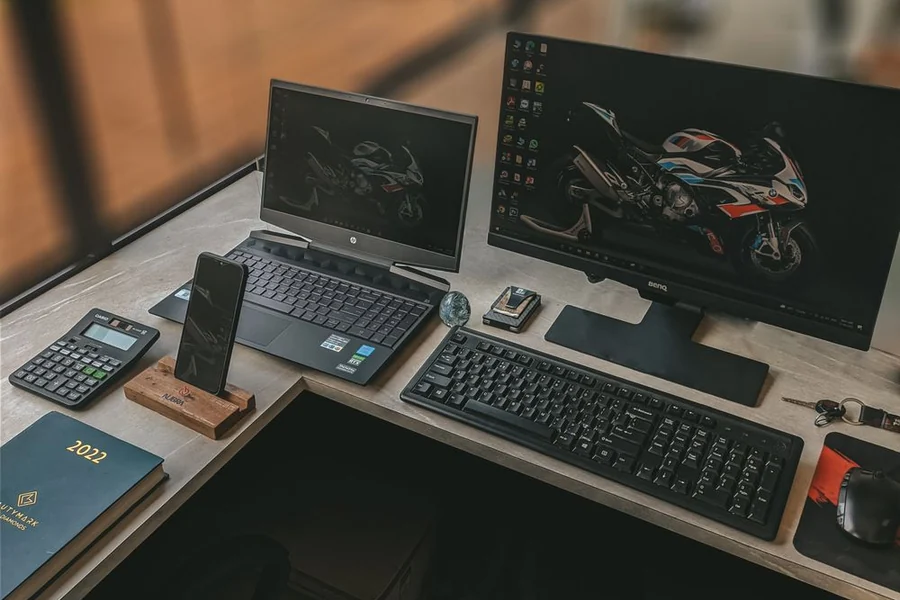
Different routines, different perspectives. There’s room for yours.
A question, an unexpected issue, an idea you can’t shake. You don’t need the perfect words to start a conversation.
Share your experienceStart with what people are experiencing, including the rough edges.
Understand the problem before deciding what needs to change.
Test, learn, and carry those lessons into the next update.